
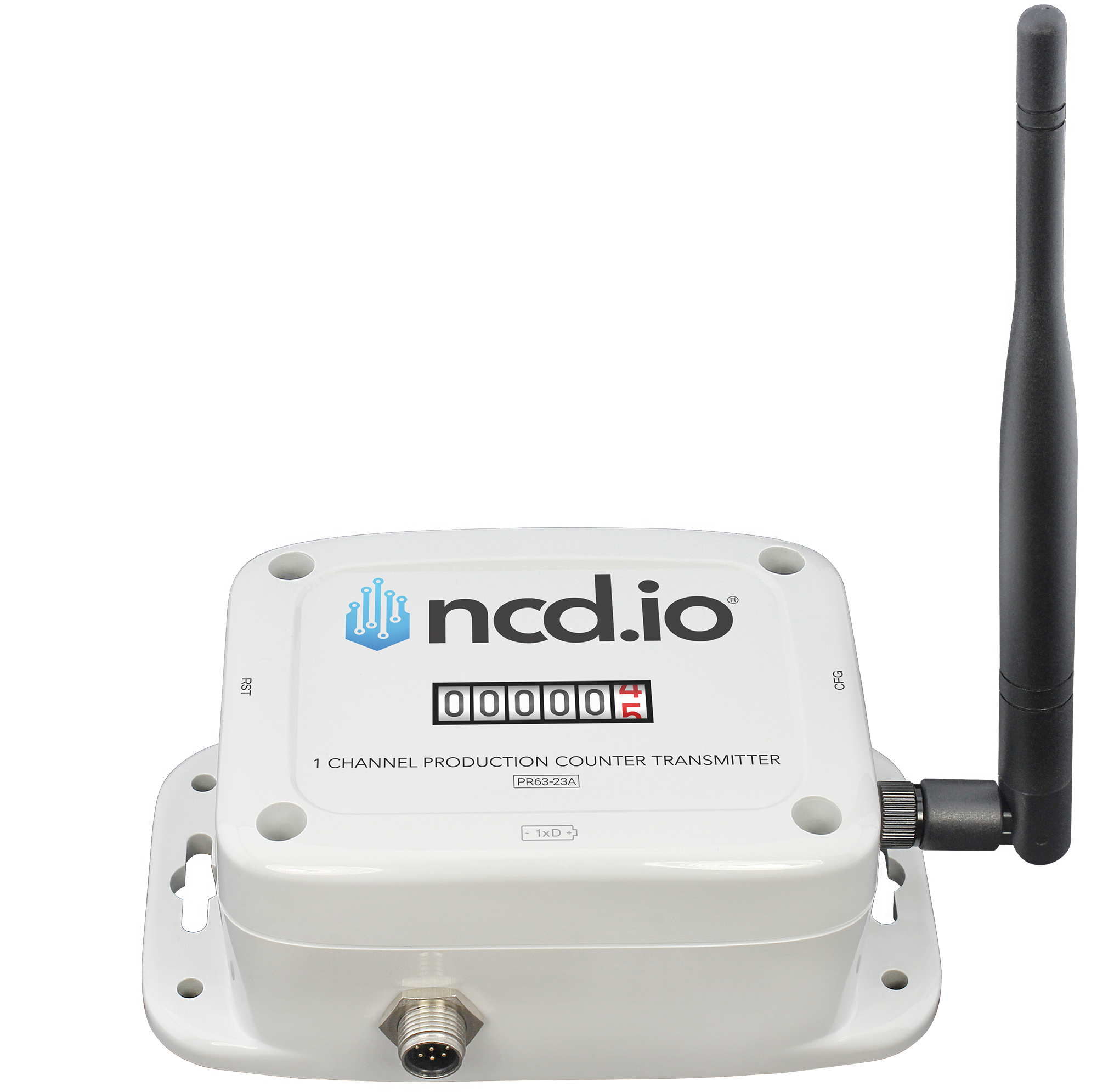
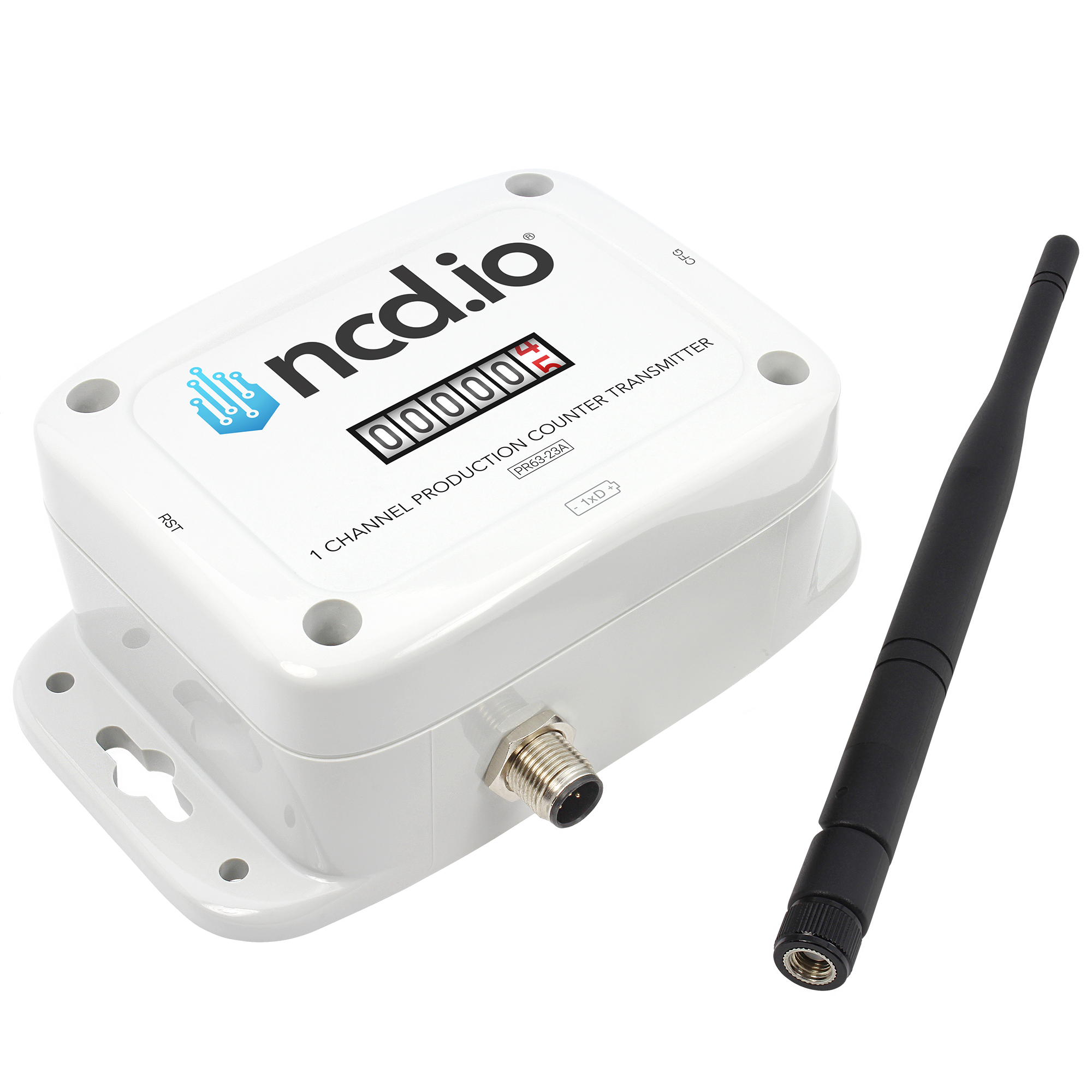
 Made in USA
No PLC programming. No cloud accounts. One wire, power on, start counting.
Connect any PNP or NPN photo eye, proximity switch, break-beam, or contact closure to the counter input. One pair of wires is the whole install.
Self-forming wireless mesh network. Up to 2-mile line-of-sight range on 868/900MHz with multi-hop routing across your facility.
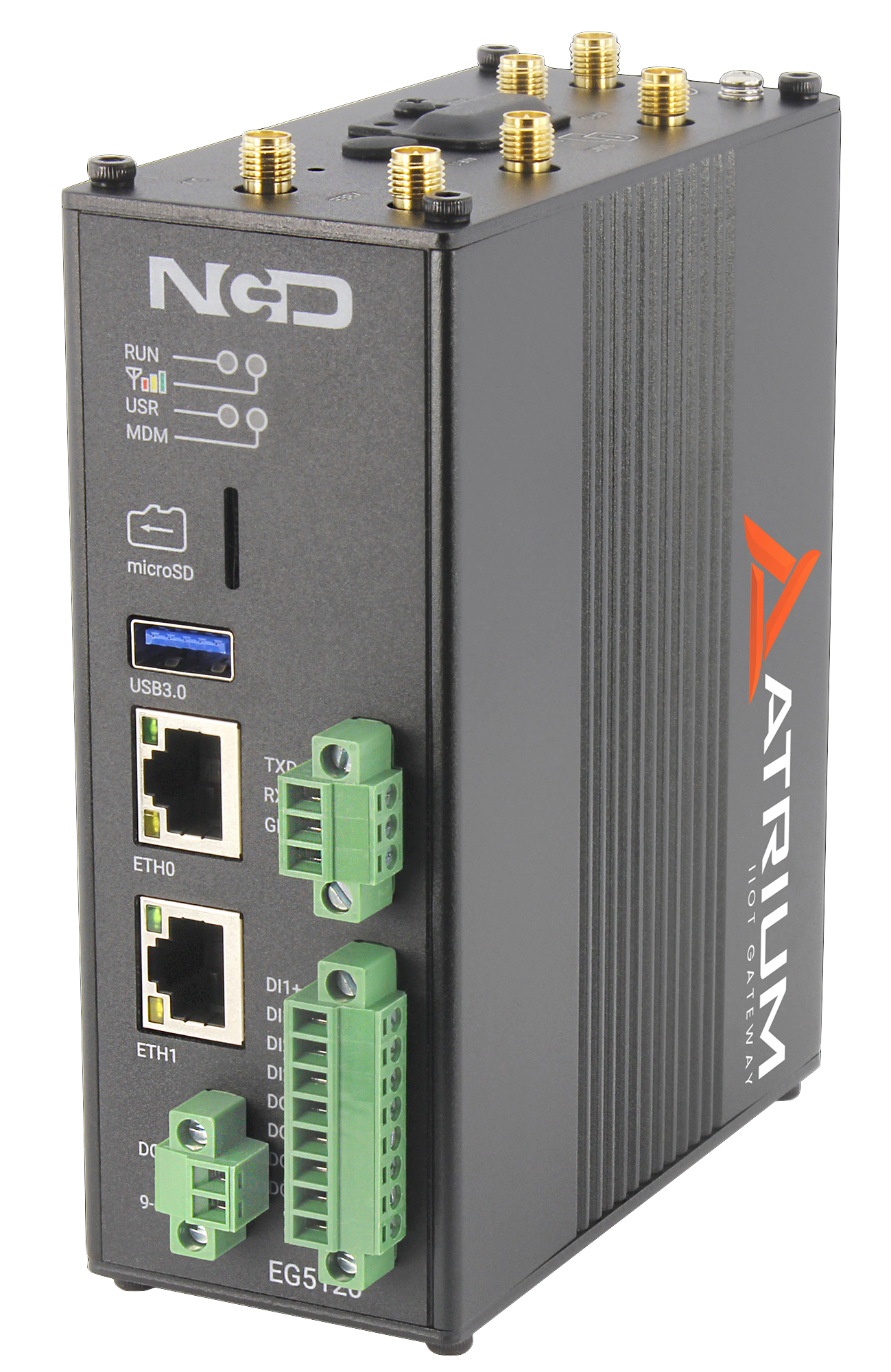
Receives every count, uptime, and status, stores it locally, and serves dashboards in your browser. Forward to any MES, SCADA, or cloud via MQTT, Modbus, or Node-RED.
Watch live cycle counts, uptime, current status, and throughput on browser dashboards. Configurable email alerts flag stopped lines and missed shift targets before they cost you.
The Atrium Gateway isn’t just a data receiver. It’s a complete industrial IoT platform with dashboards, alerts, reporting, and productivity monitoring built in. Open your browser and go.
Drag-and-drop widgets let you build custom monitoring views for any audience, operators on the floor, production supervisors, or front-office leadership. Every dashboard auto-refreshes and supports fullscreen mode for wall-mounted displays.
| Sensor | Metric | Value | Time |
|---|---|---|---|
| Line 1 Counter | Shift Count | 18420.00 | 8/24/2026, 2:32:07 PM |
| Line 1 Counter | Uptime | 26280.00 sec | 8/24/2026, 2:32:07 PM |
| Line 1 Counter | Input Status | 1.00 | 8/24/2026, 2:32:07 PM |
| Line 1 Counter | Battery | 3.02 V | 8/24/2026, 2:32:07 PM |
In Atrium, Triggers are threshold conditions on a single sensor metric, they fire when a value crosses the line. Actions link one or more triggers to responses like email or relay control, and run when every trigger is met. You build both in the browser, no code required.
| Name | Sensor | Metric | Cond. | Thresh. | Current | Status |
|---|---|---|---|---|---|---|
| Low Throughput | Line 1 | Cycle Rate | Below | 20.00 | 42.00 | OK |
| Shift Target | Line 1 | Shift Count | Below | 16,000 | 18,420 | OK |
| Line Stopped | Stamping Press | Idle Time | Above | 300 s | 612 s | TRIGGERED |
| Low Battery | Packaging | Battery V | Below | 2.80 V | 3.30 V | OK |
| Name | Triggers | Action | Status |
|---|---|---|---|
| Line Stopped Alert | Line Stopped (Stamping Press) MET | Email (trigger+clear) supervisor@plant.com | ACTIVE |
| Throughput Watch | Low Throughput (Line 1) | Email (on trigger) ops@plant.com | OK |
| Battery Notice | Low Battery (Packaging) | Email (trigger+clear) maintenance@plant.com | OK |
The Productivity Monitor app uses live production-count data to automatically detect when machines are running, idle, or stopped. Get shift-level utilization reports without installing a single additional sensor or connecting to your PLC.
Schedule recurring reports delivered straight to stakeholders’ inboxes. Fleet summaries, sensor group roll-ups, and alert digests, all generated automatically and emailed on your chosen cadence.
| Name | Type | Format | Schedule | Last Sent | Enabled |
|---|---|---|---|---|---|
| Shift Production Summary | Fleet Summary | Daily at 6:00 AM | 07/05/2026 | ON | |
| Downtime Digest | Alert Digest | CSV | Daily at 8:00 AM | 07/05/2026 | ON |
| Packaging Line Group | Sensor Group | PDF+CSV | Monday at 8:00 AM | 07/05/2026 | ON |
| Weekly Throughput Roll-Up | Fleet Summary | Monday at 7:00 AM | 06/29/2026 | ON | |
| Cycle Count Export | Custom SQL Query | CSV | Daily at 11:55 PM | 07/05/2026 | ON |
The App Center runs on the gateway itself, an app store on your own hardware with no cloud account and nothing to sign into somewhere else. Browse the catalog in your browser, install what the job needs in seconds, and update it in place. Your gateway starts as a lean core and grows only where your operation actually needs it.
Atrium works as a fully self-contained system, but when you need to integrate, Node-RED is built in and ready. Push data to cloud platforms, databases, SCADA systems, or custom APIs, all configured through a visual flow editor.
A 32-bit count, on-board run time, and live input state in every transmission, worked out on the counter itself so nothing has to be reconstructed downstream.
A single industrial counting channel tallies up to 4,294,967,295 counts before rollover, and keeps counting even in low-power sleep.
Wire a photo eye, break-beam, reflector, proximity switch, or mechanical contact closure. Minimum detectable pulse width is just 100 msec.
Choose a regular reporting interval that suits your process, and enable interrupt reporting to have the counter transmit the instant the input changes state. A factory-configurable count threshold sets the cadence without wasting airtime or battery.
The counter tracks how long the input stays active and reports total run time in seconds with every transmission. No formula to build downstream, the machine’s run time arrives as a number.
Each transmission carries the state of the input at that exact moment, on or off, so a dashboard shows whether the machine is running right now, not just what it counted.
A real-time clock timestamps every transmission. Set a shift-end time and the counter zeroes its count and uptime on its own, so each shift starts clean without anyone pressing anything.
| Channels | 1 (single channel) |
| Input Types | Digital pulse / contact closure |
| Counter Resolution | 32-bit |
| Counter Range | 1 to 4,294,967,295 counts |
| Min Detectable Pulse Width | 100 msec |
| Counts During Sleep | Continues counting in low-power sleep |
| Counting Threshold | Adjustable threshold for transmission (factory configurable) |
| Transmission | Highly accurate pulse counting with low-latency transmission |
| Isolated Input Voltage | 3.3 to 24 V |
| Sensor Compatibility | PNP/NPN optical, break-beam, photo eye, reflector, dry & wet contact closure |
| Reported Data | Cumulative count, uptime (seconds), input status, and RTC timestamp |
| Uptime Calculation | On-board 32-bit accumulator; total time the input is active, reported in seconds |
| Input Status | Live input state (ON / OFF) at the moment of transmission |
| Report Types | Regular (user-defined interval) or Interrupt (immediate on input state change, when enabled) |
| Real-Time Clock | On-board RTC timestamps every transmission; a configured shift-end time automatically resets count and uptime |
| Frequency Bands | 868MHz (863-870), 900MHz (902-928), 2.4GHz ISM |
| Band class | Sub-GHz (868 / 900 MHz) — sub-gigahertz radio travels farther and penetrates walls and equipment far better than higher-frequency Wi-Fi or Bluetooth |
| Protocol | Long-range self-healing wireless mesh networking |
| Range (line of sight) | Up to ~2 miles (868/900MHz); ~1 mile (2.4GHz) |
| Range (dense urban) | ~1000 ft (868/900MHz); ~300 ft (2.4GHz) |
| Transmitter Power | up to 13 dBm ERP (868/900MHz); up to 24 dBm (900MHz); up to 8 dBm (2.4GHz) |
| Data Rate | 80 Kbps (868MHz); 200 Kbps (900MHz); 250 Kbps (2.4GHz) |
| Antenna | On-board antenna (high-gain antenna options available) |
| Reliability | Validates and retries lost communication packets |
| Integration | Open communication protocol; sensor endpoint to gateways/modems |
| Encryption | 128-bit AES |
| Reporting Interval | 5 to 16,777,215 seconds |
| Battery | D-cell with Supercap |
| Battery Life | Up to 5 years |
| Sensor Power | Powered sensors (photo eyes, proximity switches) require their own external power supply — the counter battery powers the counter only |
| External Power | Optional externally powered variant, with automatic failover to battery |
| Power Options | Battery only, or external power connector + battery |
| Sleep Mode | Power-efficient sleep; counts while asleep, wakes/samples/transmits |
| Battery Reporting | Battery level with every transmission |
| Dimensions | 3.54″ W × 4.52″ L × 2.16″ H |
| Enclosure Rating | IP65 (main enclosure only); NEMA 1,2,4,4X,12,13; UL-508 |
| Operating Temperature | -40°C to +85°C (component rated) |
| Humidity | 0 to 90% |
| Mounting | Wall-mount or magnet-mount |
| 868/900MHz Models | CE/RED, RoHS |
| 2.4GHz Models | FCC (US), IC (Canada), RCM (Australia), Anatel (Brazil), MIC (Japan), KCC (South Korea), RoHS |
| Part number, battery-powered model | PR55-1PC |
| Part number, external-power model | PR55-1PC_PWR |
Every one of these runs the same counting engine, the same D-cell power, the same wireless mesh, and the same Atrium dashboard and alerts — and every channel counts to 4,294,967,295. The only question is how many things you need to count from one spot.
One input, one count. Wire a photo eye, proximity switch, or contact closure to the single channel and it counts every pulse, even while asleep. The right pick when you need the number off one machine, one line, or one press.
Two independent inputs on one battery and one radio. The pick when the number you actually manage is a comparison, good against reject, in against out, cycles against faults, measured on the same device at the same instant.
Three independent isolated inputs sharing one battery, one radio, and one mesh connection. Each channel counts its own machine or station, so one device covers a whole cell and gives you the comparison between them.
One input, one number. Everything below comes out of that single count — no PLC tap, no controller integration, and nothing for an operator to write down.
 “Are we going to hit the number?”
Shift output stops being something you ask for after the shift ends and becomes something you can watch while there is still time to do something about it.
 “Is it running right now?”
A count that stops climbing is a machine that stopped. Run, idle, and stopped states fall out of the count itself, so uptime costs you no second device and no extra sensor.
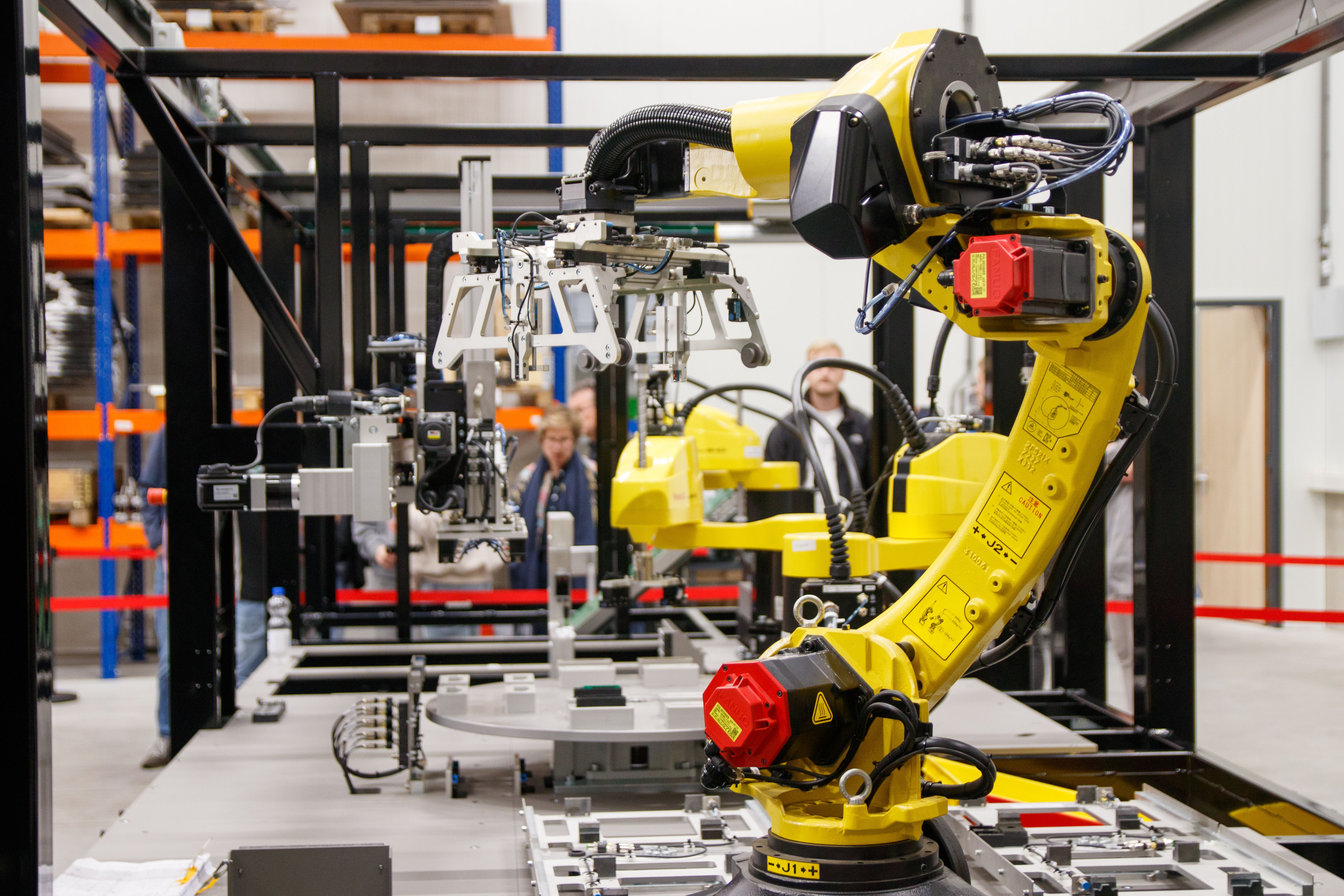 “Is the rate slipping?”
Reports can come as often as every five seconds, so parts-per-hour is worked out between two consecutive counts. A cell drifting slower shows up long before the shift total comes up short.
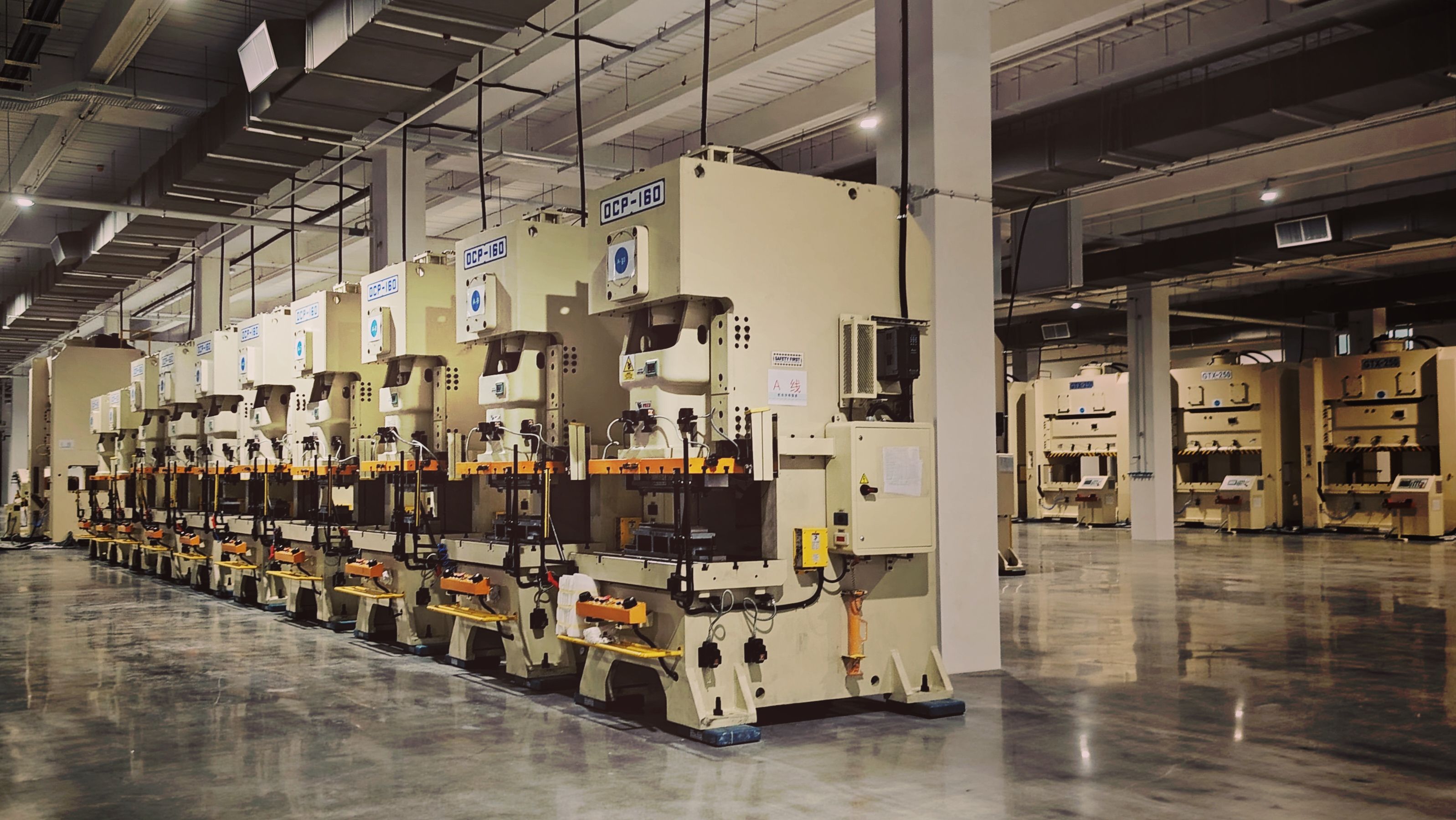 “How many since the die change?”
The 32-bit counter runs to 4,294,967,295 before it ever wraps, so a tool’s entire service life fits inside one number, across every die change and job change.
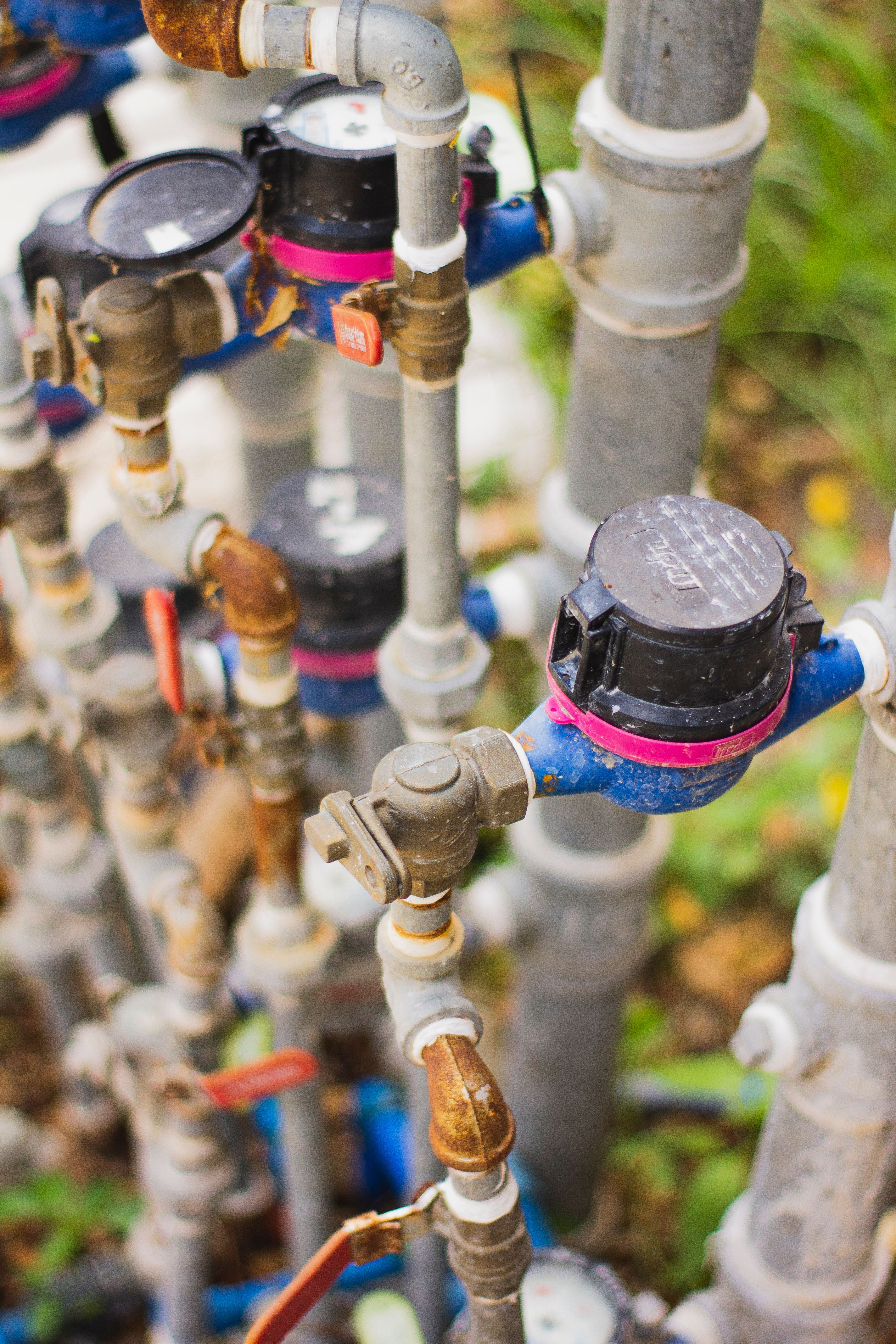 “How much went through overnight?”
A pulse-output meter at an unattended site reports on its own schedule and you read the difference in the morning. A remote pump house or tank becomes a number without a foot of new conduit.
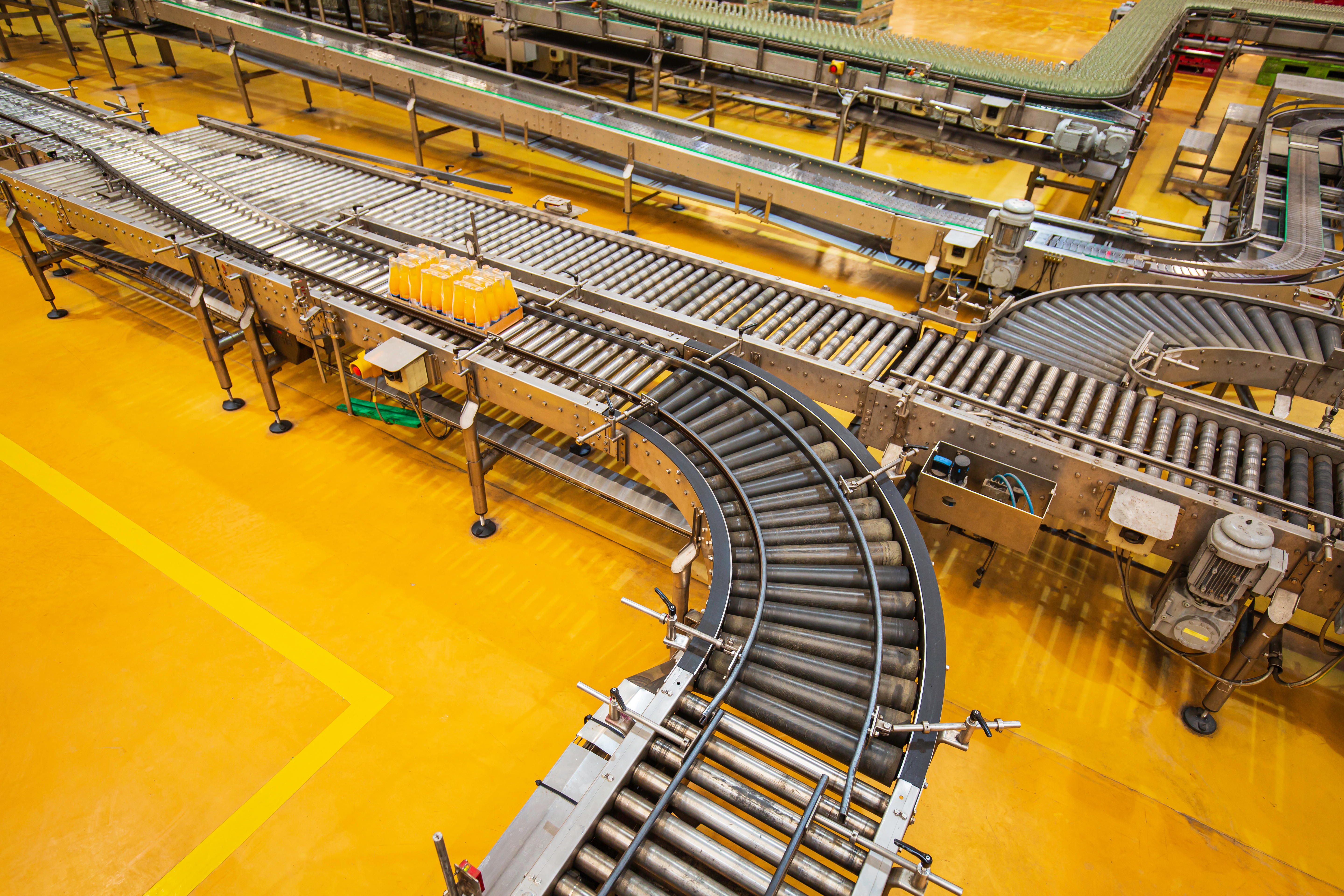 “Did it miss anything between reports?”
The counter keeps counting while it sleeps, so cases that pass during the quiet stretch between transmissions still land in the total. What arrives is the whole number, not a sample of it.
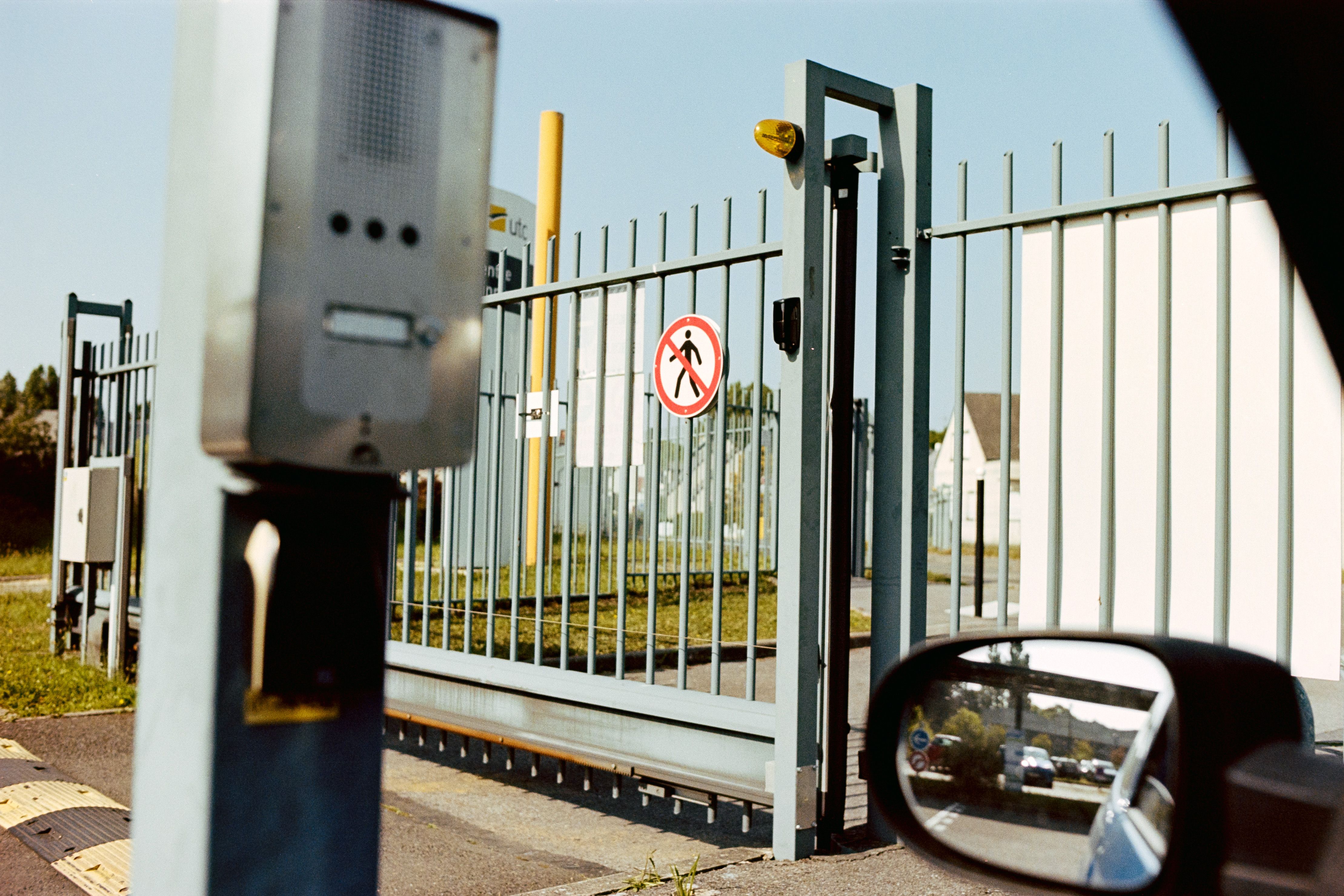 “How many people came through?”
A turnstile, a gate, or a door contact puts out a pulse just like a photo eye does. Footfall and occupancy get measured with the same counter the plant floor uses, so facilities does not need a system of its own.
 “How many pallets left the dock?”
Dock throughput is usually reconstructed from paperwork after the trucks are gone. A break-beam across the door turns it into a number that is already there when someone asks.
 “How often is that pump cycling?”
A pump that starts twice as often as it used to is telling you something well before it fails. One contact gives you both the start count and the run time, from a lift station nobody visits.
Need a second count next to the first one, good against reject, in against out? That is a job for the 2-channel counter, and a whole cell is a job for the 3-channel counter.
The math is simple. One purchase versus compounding monthly fees.
Answers to the most common questions about wireless production counting and pulse logging.
The IoT Long Range Wireless Production Counter Transmitter from NCD is a single-channel 32-bit counter that connects to a photo eye, proximity switch, or contact closure. Every pulse from that sensor increments the count, and the counter transmits the total wirelessly to a gateway, so you can watch cycle counts and throughput without tapping the machine’s PLC or reading a counter by hand.
It’s a single counting channel with a 32-bit buffer, so it counts from 1 up to 4,294,967,295 before rolling over. It accepts any PNP or NPN photo sensor, photo eyes, break-beam, reflector, and proximity sensors, plus mechanical contact closures. The minimum detectable pulse width is 100 msec.
Yes. The low-latency counter keeps tallying pulses even while the radio is in low-power sleep, so it conserves battery without ever missing a count between transmissions. You can set a factory-configurable count threshold that controls how often the counter reports, matching the cadence your process needs.
Anything that produces a pulse. Common uses include production-line cycle counting, turnstile and people counting, tracking how many times a door or gate opens and closes, counting button pushes or discrete events, flow-meter pulse logging, and replacing a mechanical tally counter with a wireless digital one that feeds factory-automation systems.
Yes. Cycle activity is a reliable run/stop signal, a machine producing counts is running, and one that stops counting has stopped. The Atrium Productivity Monitor app uses that activity to detect run, idle, and stopped states automatically and build shift-level utilization reports, with no PLC integration or MES system required.
Yes. The counter uses an open communication protocol, and the Atrium gateway supports MQTT, Modbus TCP, Node-RED, and a REST API. Count and runtime data can flow into any MES, SCADA, CMMS, or ERP for unified production and downtime tracking alongside your existing tools.
The battery-powered model runs up to 5 years on a D-cell with Supercap, depending on how often it reports. The D-cell powers the counter itself, not any connected sensors — powered photo eyes and proximity switches run from their own external supply. If you prefer wired power, the external-power model runs on external DC and automatically fails over to battery, so you never lose a count during an outage.
The counter reaches up to roughly 2 miles line-of-sight on the 868/900MHz models using long-range wireless mesh networking, and about 1 mile on 2.4GHz. In dense indoor environments expect around 1000 ft; the self-healing mesh extends coverage by routing through other NCD sensors, and high-gain antenna options are available for longer links.
No. The NCD Production Counter sends data to your own Atrium gateway or system with zero monthly software fees. You own your data outright and can keep it on your network or forward it to any MES, SCADA, or cloud platform, there are no recurring costs and no vendor lock-in.
Yes. The counter is housed in a 3.54″ x 4.52″ x 2.16″ enclosure rated IP65 (main enclosure), NEMA 1,2,4,4X,12,13 and UL-508 listed, and the electronics are component-rated from -40°C to +85°C. It mounts to a wall or magnetically, keeping it out of the way near conveyors, presses, and machine frames on the production floor.
The IoT Long Range Wireless Production Counter Transmitter is designed and manufactured in-house in the USA by National Control Devices, and it is RoHS compliant. NCD has shipped industrial IoT hardware to more than 7,000 customers, and you own both the hardware and the data it produces.
We publish our prices. There is no quote form, no login and no sales call between you and the number. The Ordering section of the spec table names each version we sell and its part number, so you can match the one you want before you order.
The reset is software only. There is no reset button and no reset input on the counter: the count and uptime clear on command, or automatically at the shift-end time you configure with the on-board real-time clock. One other thing to plan for: powered sensors such as photo eyes need their own supply, since the counter’s battery powers the counter.
Our engineers answer in public on the community forum, and the thread stays up for the next person with the same question.
Ask on the NCD Community ForumOne purchase. Full ownership. Wireless production counting that turns a clipboard number into a live dashboard.
Buy Now